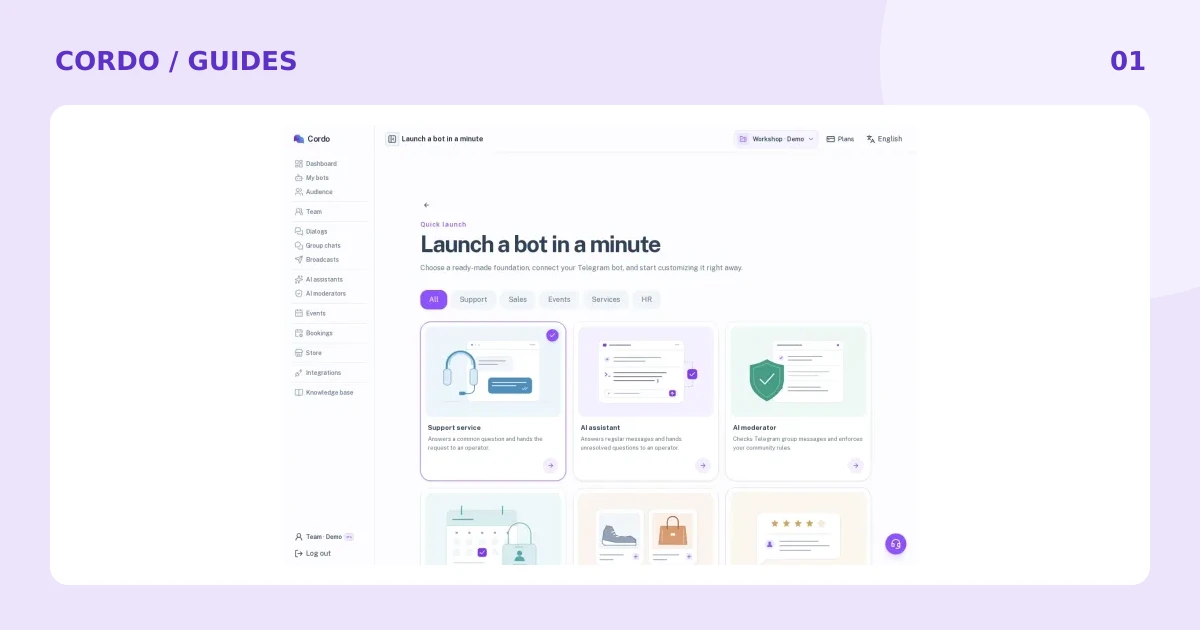
You can build a Telegram bot with AI by describing the job in ordinary language. In Cordo AI, you explain what the bot should do, clarify the details, check a draft and connect it to Telegram. You do not need to write or host a program.
We will use a small example: a ceramics studio bot that shows opening hours and passes questions to a team member. This is easy to test from start to finish. Once it works, you can add another responsibility.
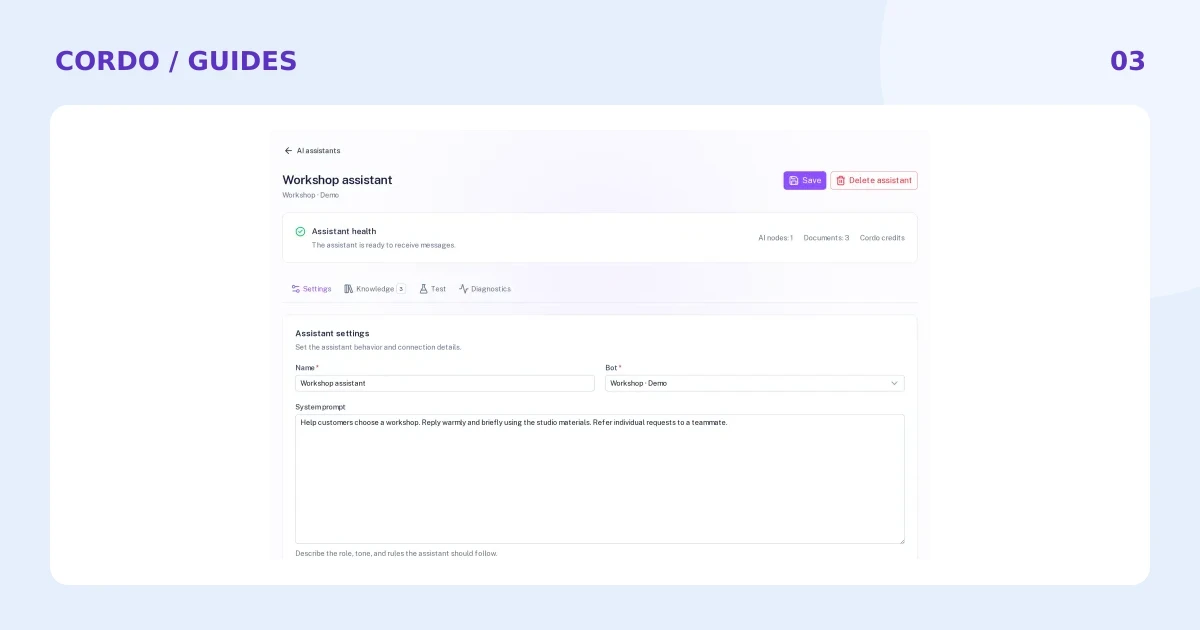
Building a bot with AI is different from building a bot that uses AI for its replies. Cordo AI helps assemble a workflow. The finished bot can run on buttons without an AI call for every answer. To answer visitors using a knowledge base, add an AI assistant.
What to prepare
- A Cordo account and a project for the new bot.
- One clear task: collect an enquiry, show products or handle a booking, for example.
- Accurate business details: opening hours, messages, terms and contact information.
- Available Cordo Credits in the project owner's balance.
- A bot registered with BotFather and its token, ready for the publication step.
Check plans and limits. Generation and new AI requests can consume funds. The resulting project must also fit the available bot, store and other resource quotas.
Step 1. Open Cordo AI and describe the task
Open My bots, start creating a bot and choose the AI agent option to open Cordo AI. You can choose a suggested topic or write your own request. A useful first message answers five questions:
- Who is the bot for?
- What should someone see after
/start? - Which actions can they choose?
- What information should the bot collect?
- How does each route end?
Instead of “Make a beautiful bot for my business”, give it a concrete task:
Create a bot for a ceramics studio. After /start, show a greeting and two buttons: Opening hours and Ask a question. We open on weekdays from 10:00 to 19:00. The first button should show those hours. The second should ask the person to write their question in one message, then hand the conversation to an operator. Keep the wording friendly and brief. Do not add payments, a catalog or class bookings.
The last sentence keeps the first version manageable. Fewer independent tasks make it easier to establish that the bot actually works.
Step 2. Clarify missing details
If Cordo AI asks a question, give a specific answer. For example: “We are closed at weekends” or “Do not collect a phone number; our team will reply in the same Telegram chat.”
Do not approve invented terms just because they sound plausible. If a price is unknown, say “A team member must confirm the price”. To use information from your website, provide the exact HTTPS URL of the relevant public page and ask it to check the facts first.
A more involved task may need several clarifications. Wait for the current work to finish. If the interface offers to continue an unfinished task, use that action and review which steps remain.
Do not paste your Telegram token or service credentials into the conversation. Use the dedicated connection forms.
Step 3. Test the draft in the preview
Once a draft is available, use the preview on the right to follow the conversation as a future visitor:
- start the conversation;
- read the greeting;
- select Opening hours and check the answer;
- start again and choose Ask a question;
- send a short message;
- check that the bot explains what happens next.
The preview helps you evaluate wording and logic. It does not confirm real Telegram delivery, payment processing or an external service connection. Those need a final check after the bot is connected.
If you prefer a visual outline, open the workflow view. Messages and actions appear as connected blocks. You do not need to program: follow the route from the start to the intended result.
Step 4. Make a focused change
You can refine the workflow in the same conversation. Ask for one clear change at a time:
Change only the greeting to “Hello! This is the ceramics studio. You can check our opening hours or ask us a question.” Keep both existing buttons and all other steps.
Or:
After collecting the question, add “Thank you! A team member will reply here during opening hours.” Automatic messages should not interrupt the conversation while an operator is helping.
Test the affected route after each change. Check the result rather than relying only on the AI's confirmation. If you changed the greeting, make sure the buttons remain. If you changed the handoff, inspect its settings.
Before publication, change the draft through the Cordo AI conversation: the workflow preview is read-only. After publication, you can open the created bot's workflow editor for a precise manual correction. For example, the selected message block's panel contains its text and button labels:
Step 5. Prepare the Telegram bot
If you do not have one yet, open the official BotFather. Create a new bot using /newbot or the creation form, choose a name and an available username ending in bot, and keep the link and token.
The first bot guide covers the process and token handling in more detail. Creating the Telegram account does not automatically publish the workflow; that happens in Cordo in the next step.
For your first check, use a separate bot that is not serving existing customers. This gives you room to test every branch and revise the messages.
Step 6. Publish the workflow
When the draft is ready and publication is available, select Connect Telegram. Enter the bot name and BotFather token in the form, then select Publish bot.
Wait for a successful completion. If publication is not available yet, read the remaining requirements and finish the setup. Asking the AI to say “everything is ready” does not replace the project's actual readiness checks.
If publication stops partway through, read the status and check whether you can resume. Do not create a duplicate until you understand which steps already completed.
Step 7. Test in real Telegram
Open the published bot's link and send /start. Repeat every action from the preview. Then open Dialogs in Cordo and answer the test enquiry as a team member.
Before sharing the link, check that:
- there are no invented addresses, prices or promises;
- every button leads to the expected result;
- the bot waits for an answer after asking a question;
- the handoff works and a team member sees the enquiry;
- the visitor understands when to expect a reply;
- messages are readable and links work on a phone.
Troubleshooting
The AI added features I did not ask for
Restate the scope: “Keep only opening hours and the question handoff. Remove the catalog and payments.” Check that the required branches remain afterwards. Add the next feature in a separate request once the basic flow works.
The wording is good, but the route does not perform the action
Describe the outcome explicitly. Instead of “handle the request”, say “ask for the question, wait for the reply and hand the conversation to a team member”. A polished message does not replace the required action block and connection.
The preview works, but Telegram does not
Check publication completion, the correct bot, the saved workflow and any connection errors. Check permissions and configuration for external actions separately. The preview does not perform every live operation.
Common questions
Do I need programming knowledge?
No. You do need to know your service terms and check the finished result. AI helps assemble the logic; you decide what the bot should promise customers.
Can I build a shop this way?
You can describe the task to Cordo AI, then review the created resources, products and settings. Use the Telegram store guide to understand and test the complete buyer journey.
Should I use a template or AI?
A template is a useful choice when your task already matches a prepared flow. Cordo AI helps when it is easier to describe your sequence in words. Both routes need a real Telegram check before launch.